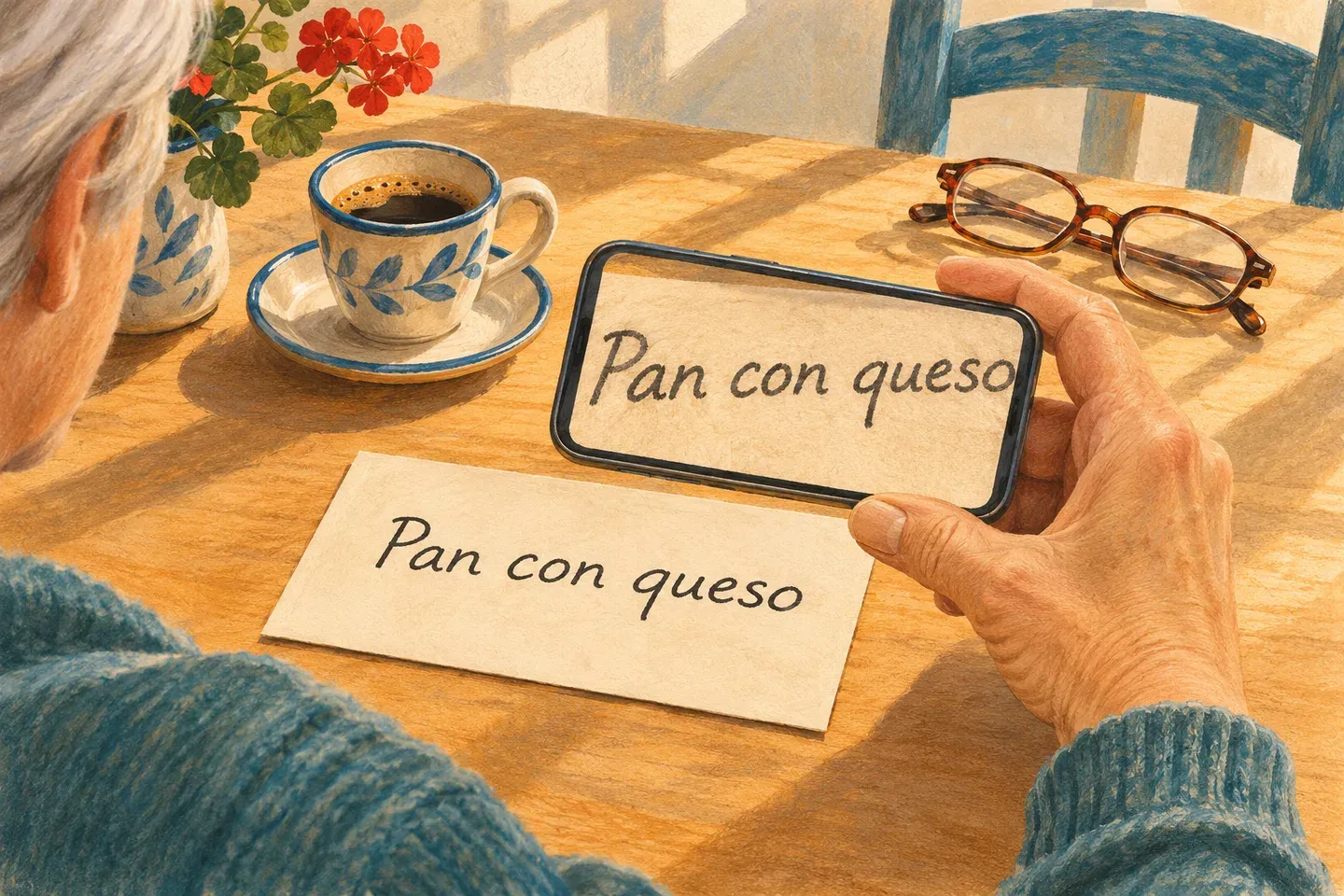
The roast beef sandwich had an English name. What came on it was anybody’s guess unless you could read the Spanish underneath. At an airport restaurant in Mexico in 2016, babs typed the ingredients into Google Translate. One of them, hongos, turned out to mean mushrooms. Across the table, her boss held his phone over the menu and read the translation through his camera. Her older phone couldn’t do that trick. She still found out what was in her lunch. Read babs’s original sandwich story.
Can you do the same without airport Wi-Fi? Yes, Google Translate can translate typed words offline once the languages you need are on your phone. Its camera can also read a menu offline on supported phones and language pairs. Give the keyboard and the camera a different line to translate. That way, if the camera lets you down at lunch, you already know whether typing will get you fed.
While you still have Wi-Fi
Open the Google Translate app on the phone you’re taking. For a menu in Mexico, set the first language to Spanish and the second to English. Tap a language name to open the list. Check both languages, tap the download arrow wherever it’s offered, and wait until the app marks the languages as downloaded. Simply choosing Spanish on the main screen sets the direction of translation. The download is what lets you use it away from Wi-Fi. Google shows where to find the list on iPhone and Android.
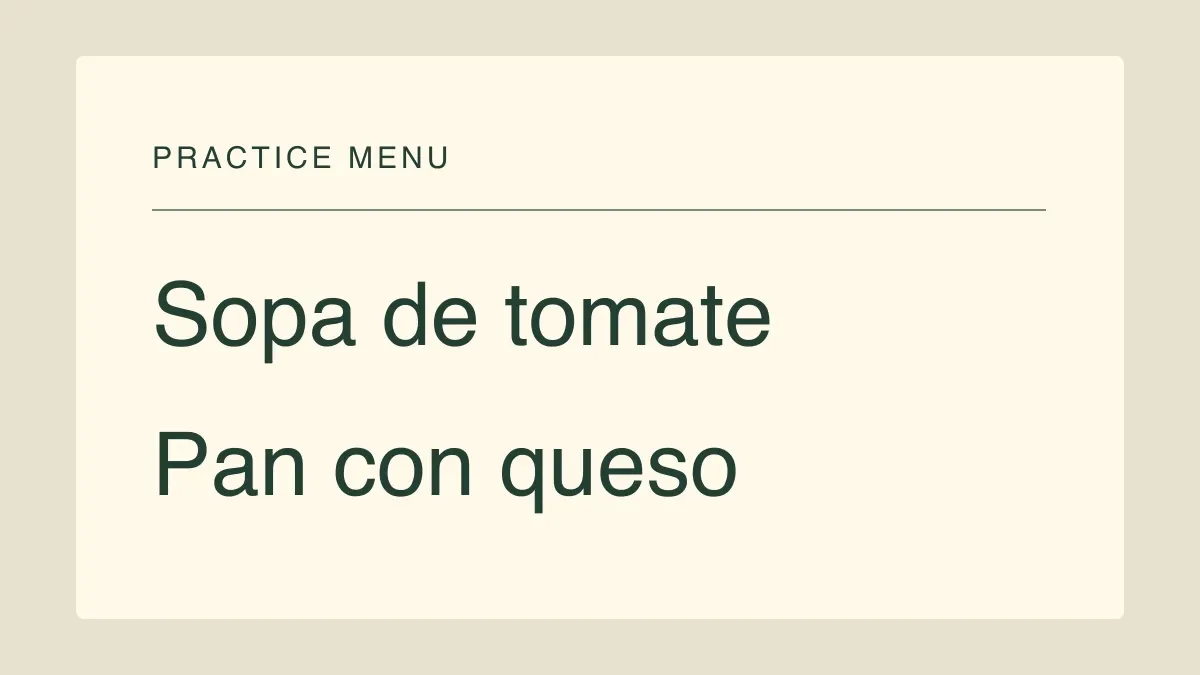
If you’re reading on your phone, copy Sopa de tomate and Pan con queso onto paper in large, plain letters, one dish per line. On a computer, you can leave the practice card on the screen and point your phone at it.
Two lines, two different checks
Turn on airplane mode and make sure Wi-Fi is off too. Leave both lines untranslated until you’ve disconnected. An old answer sitting on the screen can look remarkably convincing.
Type the first line. Enter sopa de tomate as a new translation. If you get “tomato soup,” you have a way to read a dish even when the camera won’t cooperate. If the app asks for a connection, go back on Wi-Fi, check that Spanish and English are downloaded, then disconnect and try a fresh phrase. Sopa de pollo should give you “chicken soup.”
Give the camera the second line. From the Translate app, tap Camera and frame just pan con queso. Tap the shutter if you need to hold the words still. Look for “bread with cheese” or wording with the same meaning. If the words jump between lines, cover the soup line with your hand and move the paper into better light. Small print and fancy lettering can trip up the camera. If it still asks to connect, type pan con queso while you’re offline. If that works, you know which method you can take to lunch. Switch airplane mode off and restore your usual Wi-Fi setting when you’re done.
At the counter, let the menu decide how much work to do. Faced with a board full of unfamiliar sandwiches? Point the camera at one description at a time so you can match the words to the right sandwich. Already settled on the roast beef and just wondering about hongos? You can leave the rest of the menu in Spanish.